How to Ethically Bypass Turnitin's AI Detection: A 2025 Guide The academic world is in the midst of a technological arms race. On one side, AI tools like ChatGPT have revolutionized how students research, brainstorm, and draft their papers. On the other, sophisticated AI detectors, led by industry giants like Turnitin, have been updated to sniff out AI-generated content with increasing accuracy. For students who use AI ethically as a writing assistant, this creates a new and pressing challenge: how to leverage these powerful tools without being flagged for academic dishonesty. The game has changed. It's no longer enough to run AI text through a simple paraphrasing tool. As modern experiments show, Turnitin and other leading detectors can now identify the tell-tale patterns of not just raw AI output, but also the "humanized" text produced by many bypassing tools. This article, based on a meticulous, step-by-step process, provides a comprehensive strategy to na...
Get link
Facebook
X
Pinterest
Email
Other Apps
Readdy AI Review 2025: Build Websites by Talking to an AI (No-Code Guide)
Get link
Facebook
X
Pinterest
Email
Other Apps
Create Stunning Websites in Minutes with Readdy AI: The Ultimate Guide for 2025
🎧 Listen to the 3-Minute Overview
Get a quick audio introduction to Readdy AI and discover how it's revolutionizing website creation in 2025. Perfect for multitasking or getting a preview before diving into the full guide!
Introduction: The Evolution of Website Building
Have you ever wanted to create a professional website but felt stuck because you don't know how to code? Or maybe you've spent hours trying to figure out clunky drag-and-drop editors, only to end up with a site that looks... well, not quite right?
If this sounds familiar, you're not alone. But what if you could simply tell an AI what you want and watch as your perfect website takes shape before your eyes? Welcome to the future of website creation with Readdy AI, a revolutionary tool that's changing how websites are built in 2025.
"Traditional website builders ask you to become a designer. Readdy AI just asks you to describe what you want, then handles the rest." – Web Development Trends 2025
By the end of this article, you'll understand:
What makes Readdy AI different from traditional website builders
How to create a professional website through simple conversation
Step-by-step instructions for getting started with Readdy AI
How Readdy AI compares to competitors
Tips and best practices for getting the most out of the tool
What is Readdy AI?
Readdy AI is an advanced AI-powered website builder that enables users to generate fully functional, production-ready websites with minimal effort.
Unlike traditional website builders that require coding or manual design input, Readdy AI allows you to describe your vision in natural language, and the AI translates it into a visually appealing, responsive website.
Conversation-Based Design
Simply tell Readdy AI what you want, and it creates a website based on your description. No need to learn design principles or struggle with layout tools.
Production-Ready Code
Beyond just creating designs, Readdy AI generates clean, functional code that's ready for deployment. Export as HTML, React, or other formats.
Rapid Deployment
Create and publish a professional website in minutes instead of days or weeks, perfect for startups, small businesses, and entrepreneurs.
Design Without Designing
Access professional-level design without needing to be a designer, through the power of AI that understands design principles and trends.
Readdy AI is particularly useful for:
Startups and entrepreneurs who need a professional website quickly
Small business owners without technical resources for web development
Freelancers looking to create client websites efficiently
Developers seeking quick prototyping solutions
Anyone with no coding or design experience who needs a website
💡 Pro Tip: While Readdy AI can create complete websites from scratch, you can also use it to generate specific sections or pages to add to an existing website.
How Readdy AI Works
At its core, Readdy AI uses advanced machine learning algorithms to understand your requirements and translate them into beautiful web designs. But what makes it truly revolutionary is its conversation-based approach to website building.
Design through conversation - simply describe what you want
The Technology Behind Readdy AI
Readdy AI leverages several cutting-edge technologies:
Natural Language Processing (NLP) - Understands your requirements described in plain language
Computer Vision - Analyzes reference images to extract design elements and inspiration
Generative AI - Creates unique, custom designs based on your specifications
Front-End Code Generation - Converts designs into clean, production-ready code
The Website Creation Process
Describe Your Vision: Simply tell Readdy AI what kind of website you want.
AI Generates Options: The AI processes your request and generates multiple design options.
Refine Through Conversation: Tell the AI what to change, like "Make the background darker."
Customize Content: Add your specific text, images, and branding.
Export or Publish: When satisfied, publish directly or export the code.
Key Features of Readdy AI
Natural Language Website Creation
Describe your vision in everyday language. Example: "Create a professional portfolio for a photographer with a dark theme, featuring a gallery, about page, and contact form."
Production-Ready Code Generation
Readdy AI generates clean, optimized front-end code (HTML, CSS, JS, React, Vue) that's ready to deploy.
Multiple Export Options
Offers flexible options: direct publishing, code export, or Figma export for further customization.
Customization Capabilities
Maintain full control. Change colors, fonts, and layouts through simple instructions.
Mobile Responsiveness
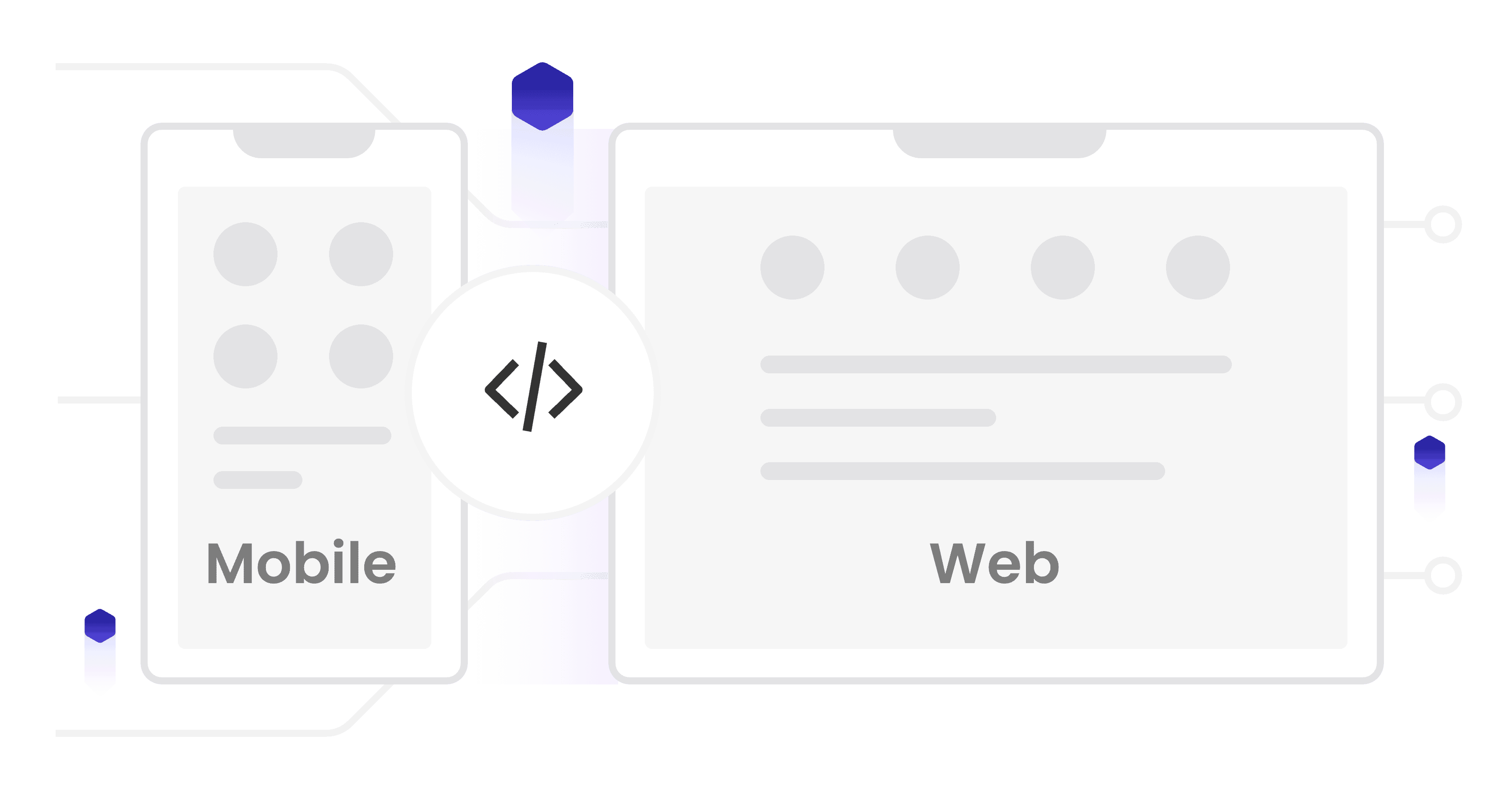
Every website created is fully responsive out of the box, ensuring a perfect experience on any device.
SEO Optimization
Incorporates SEO best practices, including proper HTML structure, optimized meta tags, and fast loading speeds.
Getting Started with Readdy AI: Step-by-Step Tutorial
Ready to create your first website with Readdy AI? Follow this simple step-by-step guide:
Creating an Account: Visit Readdy.ai and sign up. The free tier is great for testing.
Setting Up Your First Project: Click "Create a new project" and name it. Choose your code format (HTML is recommended for beginners).
Writing Effective Prompts: Be specific about the business type, design style, and key pages needed.
Reviewing and Approving the Outline: Readdy AI will generate an outline. Review it and ask for changes before generating the site.
Customizing Your Design: Make customizations with additional prompts like "Change the header color to dark blue."
Adding Interactive Elements: Ask the AI to add elements like a contact form or image gallery.
Publishing Your Website: When you're happy, publish directly, export the code, or export to Figma.
Readdy AI vs. The Competition
How does Readdy AI stack up against traditional website builders and other AI tools?
Comparison of top AI website builders in 2025
Feature
Readdy AI
Wix AI
Hostinger AI
Design Approach
Conversational
Question-based
Template + AI
Code Export
✅ Yes (Multiple)
❌ No
❌ No
Figma Export
✅ Yes
❌ No
❌ No
Unique Advantages of Readdy AI
More natural conversation - Feels more like talking to a human designer.
Superior code quality - Clean, structured code that's easier to maintain.
Flexible export options - More ways to use your design in your workflow.
Time Savings with Readdy AI
This section originally had an interactive chart. Here's a comparison of the time required for each stage:
Initial Setup: Traditional (2 hours) vs. Readdy AI (6 minutes)
Design Creation: Traditional (6 hours) vs. Readdy AI (12 minutes)
Content Placement: Traditional (3 hours) vs. Readdy AI (6 minutes)
Customization: Traditional (4 hours) vs. Readdy AI (12 minutes)
Testing & Launch: Traditional (2 hours) vs. Readdy AI (6 minutes)
Real-World Applications and Case Studies
To better understand how Readdy AI is being used in practice, let's look at some real-world applications and success stories:
Small Business Website
Challenge: A local bakery needed a professional website but had no budget for a web designer.
Solution: Using Readdy AI, they created a complete website featuring their menu, location information, and online ordering in just 45 minutes.
Result: The bakery saw a 30% increase in foot traffic and started receiving online orders within the first week of launching their site.
Freelance Portfolio
Challenge: A graphic designer needed to quickly create a portfolio website to apply for a job opportunity with a tight deadline.
Solution: With Readdy AI, they built a stunning portfolio showcasing their work in under an hour, complete with case studies and contact information.
Result: The designer secured the job, with the hiring manager specifically complimenting the website's professional design.
Startup Landing Page
Challenge: A tech startup needed to launch a landing page for their product before an investor meeting the next day.
Solution: The founder used Readdy AI to create a conversion-optimized landing page highlighting their product features and benefits.
Result: The page was completed in under 2 hours, impressed the investors, and began collecting pre-launch signups immediately.
ROI and Time Savings
Based on user data, Readdy AI provides significant return on investment:
Average website creation time: 28 minutes (compared to 15+ hours with traditional methods)
Average cost savings: $1,200 (compared to hiring a web designer)
Average time-to-market reduction: 92%
Tips for Getting the Most Out of Readdy AI
Want to maximize your results with Readdy AI? Here are some expert tips:
Writing Effective Prompts
The quality of your website depends on how well you communicate with the AI:
Be specific about your business/purpose.
Include design preferences like colors and styles.
List all necessary sections/features.
Provide reference examples if you have them.
Example Prompt: "Create a website for a high-end Italian restaurant with a warm, rustic design using deep reds and golds. Include a homepage, menu, reservation system, photo gallery, and contact page with a map."
Customization Best Practices
After your initial website is generated, work iteratively, be specific about locations for changes, use visual references, and leverage the auto-writing feature.
Handling Complex Design Requirements
For more advanced sites, break them down by page, combine AI generation with manual code editing, and export to Figma for complex adjustments.
Integration Capabilities
Extend your site by asking the AI to add analytics tools, contact forms, payment processors, and booking systems.
Pricing and Value Analysis
Readdy AI uses a credit-based system: 50 credits for a new design and 10 credits for AI-powered edits. Credits refresh monthly.
Tip: Save 20% on all plans by using the promo code "READDY2025" during signup.
Conclusion
Readdy AI represents a paradigm shift in how websites are created. By transforming the process into a simple conversation, it democratizes web design and empowers anyone to create professional websites in minutes.
Key Takeaways:
Create stunning, professional websites through simple conversation
No coding or design skills required
Generate production-ready websites in minutes
Export clean code or publish directly
Significantly reduce website development costs and time
→ AI Social Media Post Generator
Dive deeper into the specific tools that can generate compelling social media posts from scratch. This guide covers the top AI generators and how to use them effectively.
→ Best AI Automation Tools of 2025
Expand your knowledge beyond website creation. Discover the best AI tools that can automate various aspects of your business, from marketing to customer service and beyond.
→ Game-Changing AI for Content Creation
Content is king, and AI is its most powerful ally. Learn about the revolutionary AI tools that are transforming content creation for blogs, videos, social media, and more.
❓ Frequently Asked Questions
What makes Readdy AI different from other AI website builders?
Readdy AI stands out with its conversation-based approach that feels more natural than form-based alternatives. It also generates production-ready code in multiple formats (HTML, React, etc.) and offers Figma export options, giving you more flexibility than competitors.
Is Readdy AI free to use?
Readdy AI offers a free tier that allows you to test its capabilities with limited generations. For ongoing use, paid plans starting at $20/month provide more credits and advanced features.
How many websites can I create with Readdy AI?
The number of websites depends on your subscription plan's monthly credits. The Personal plan ($20/month) is typically enough for 1-2 complete websites with some iterations.
Do I own the websites I create with Readdy AI?
Yes, you fully own all websites and exported code. You can use them for personal or commercial purposes without restrictions.
Can I use Readdy AI to create e-commerce websites?
Yes, Readdy AI can create basic e-commerce websites. For complex needs, you may need to integrate the AI-generated front-end with a separate e-commerce backend.




Comments
Post a Comment